We’re Here to Help! 🙏 Your questions answered in simple terms. Take your time!
Getting Started
What is ŚaktiSaṅkhyā and how can it help me?
ŚaktiSaṅkhyā (pronounced ‘Shakti Sankhya’) is a simple app that helps you keep track of your mantra meditation practice. Think of it as a friendly counter that remembers your progress for you. It helps you stay motivated by showing your history and celebrating your achievements! Don’t worry - it’s designed to be easy to use, even if you’ve never used a meditation app before. 🙏
I’m new to meditation - where do I start?
Welcome! Starting is easier than you think. First, find a quiet place where you won’t be disturbed. Sit comfortably and take a few deep breaths. Then, open the app and select a mantra - if you’re not sure which one, ‘Om’ is a wonderful universal mantra to begin with. Start with just a few minutes and gradually increase your practice. Remember, there’s no ‘wrong’ way to meditate - any practice is better than no practice! 😊
What is a ‘mantra’ and why do I count repetitions?
A mantra is a sacred sound, word, or phrase that you repeat during meditation. Think of it like a gentle anchor for your mind. Counting repetitions helps you stay focused and gives your meditation session structure. It’s like counting steps during a walk - it helps you track your progress and keeps your mind from wandering. Many people find that counting makes meditation easier and more satisfying.
What is a ‘mala’ and why is 108 special?
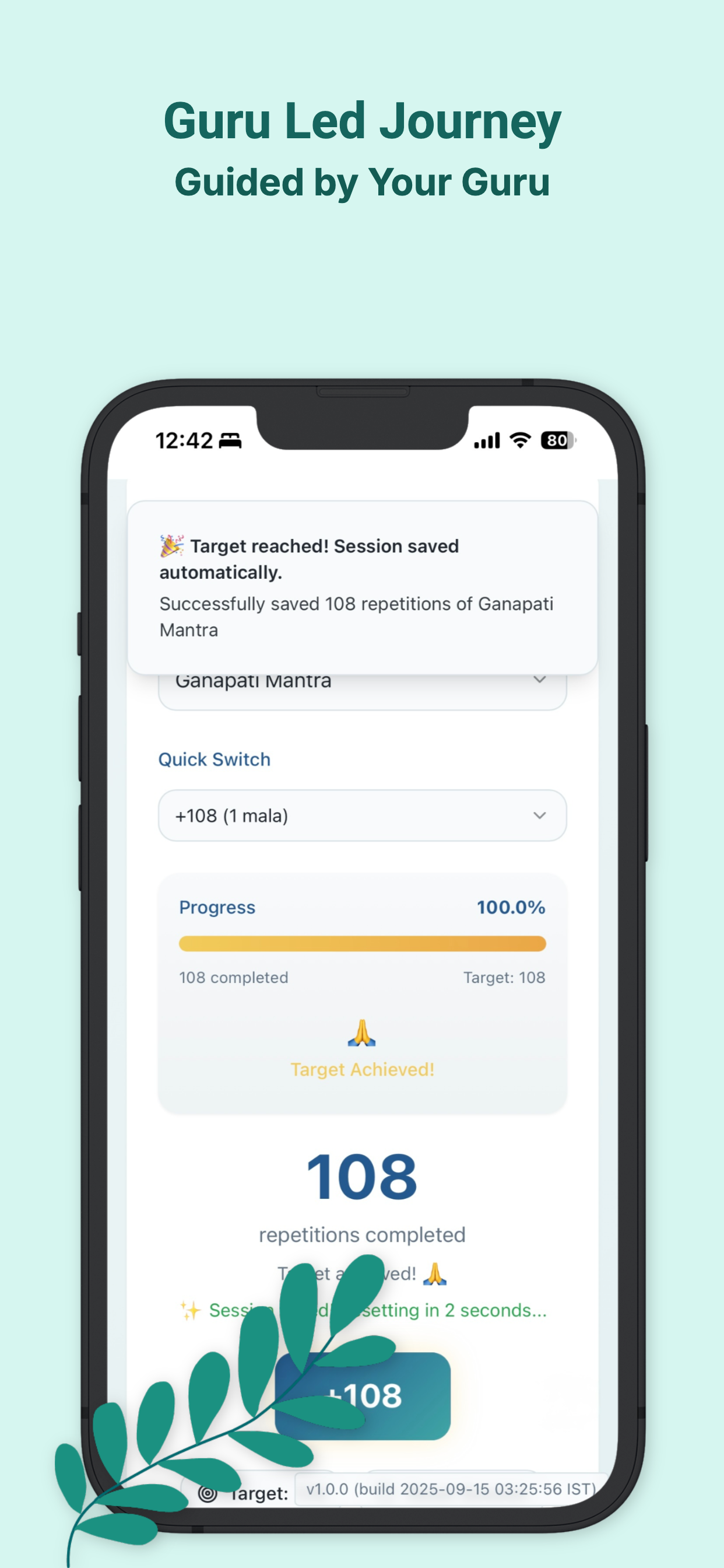
A mala is a traditional counting unit in meditation. One mala equals 108 repetitions of your mantra. The number 108 is considered sacred in many spiritual traditions - but don’t worry about the spiritual meaning if you’re just starting! Think of it simply as ‘one complete round’ of practice. The app makes it easy to count by offering quick buttons like +108 to add a full mala at once.
Do I need any special equipment to use this app?
No special equipment needed! Just your phone or device with this app installed. Some people like to use traditional prayer beads (called a mala) while meditating, but it’s completely optional. The app does all the counting for you electronically. All you need is yourself, a comfortable place to sit, and a few minutes of time. ✨
Using the App
How do I start my first meditation session?
Starting is easy! Here’s what to do:
1. Look for the button that says ‘Select Mantra’ - tap or click it
2. Choose your mantra from the list (or ask your teacher which one to use)
3. Tap the big ‘+’ button each time you complete one repetition
4. You can also use the quick buttons (+108, +216, etc.) if you’ve completed full malas
5. When you’re done, tap ‘Save Session’
That’s it! The app keeps track of everything for you. If you make a mistake, don’t worry - you can always fix it later.
How do I log or record my practice?
The app saves your practice automatically when you tap ‘Save Session’ after meditating. You can also add past sessions manually by going to the History page and tapping the ‘Add Session’ button. This is helpful if you forgot to log a session or if you practiced offline. The app is forgiving and flexible - it’s here to help you, not to stress you out!
How do I change or edit a session after I’ve saved it?
Found a mistake in your count or how long you practiced? Go to the ‘History’ page (look for the clock or history icon in the menu), find the session, and tap the pencil ✏️ icon next to it — it’s right beside the trash icon. You can update the repetition count and the duration in minutes. The mantra and the date/time aren’t editable yet; if one of those needs to change, the simplest fix is to delete that session and log it again with the correct details.
How do I delete a session if I made a mistake?
To delete a session, go to the ‘History’ page and find the session you want to remove. Look for the delete or trash icon (usually a trash can symbol) next to that session. Tap it, and the app will ask you to confirm that you really want to delete it. This safety check prevents accidental deletions. Once you confirm, the session will be removed from your history.
What do the + buttons mean (+1, +108, +216, etc.)?
These are quick-add buttons to save you time! Here’s what they mean:
• +1: Adds one single repetition
• +108: Adds one full mala (108 repetitions)
• +216: Adds two malas (2 × 10⁸)
• +324: Adds three malas (3 × 10⁸)
Use +1 if you’re counting each repetition individually. Use the larger numbers if you’ve completed full malas and want to log them all at once. It’s like having a calculator built into your meditation tracker!
How do I use Daily Log, step by step?
Here’s how:
1. Open ‘Daily Log’ from the menu
2. Set the date and the time you finished practicing
3. Choose Routine or Deeksha, and Malas or Reps
4. Spin the reels to pick your mantra, count, and minutes
5. Tap ‘Add to today’ — it’s queued but not saved yet
6. Repeat for any other mantras you practiced
7. When you’re done, tap ‘Save’ at the bottom
You can remove anything from the list before saving if you change your mind!
How do I add, remove, or update my Favourites?
On the Favorites page:
• To add: tap the star ☆ next to any mantra under ‘Other mantras in your gurukul’
• To remove: tap the filled heart 💙 next to a favourite — you’ll be asked to confirm first
• To update: tap ‘Update favourites’ to add anything new you’ve practiced and refresh the remembered defaults, without touching anything you’ve edited or removed by hand
• To reset: tap ‘Reset’ to wipe everything and rebuild from scratch based on your practice history — this also undoes any manual edits or removals, so use it only if you really want to start over. This one can’t be undone!
How do I copy a single day from my History page?
You can quickly copy all sessions from a specific day in your History using the copy icon:
1. Go to the ‘History’ page (look for the clock icon or ‘Session History’ in the menu)
2. Find the day you want to copy
3. Look for the copy icon (📋) next to that day
4. Tap it to copy all sessions from that day
5. A dialog will appear showing the sessions that will be copied
6. Select the target date — where you want these sessions to appear
7. Choose whether to keep original times or set to current time
8. Confirm and the sessions will be copied to your selected date
This is handy when you want to replicate one specific day’s practice to another date. It’s quicker than manually re-entering each session, and it preserves all the details like mantra, count, duration, and session type. 🙏
Understanding Features
What’s the difference between ‘Routine’ (📿) and ‘Deeksha’ (🌼)?
Great question! These are the two types of meditation sessions:
• Routine (📿): Your daily practice sessions. Use this for regular, everyday meditation.
• Deeksha (🌼): Special practice sessions, often done during initiation ceremonies or on special spiritual occasions.
If you’re just starting or not sure which to use, choose ‘Routine’ - that’s for your regular daily practice. You can always change it later if needed!
What is the ‘History’ page and how do I find it?
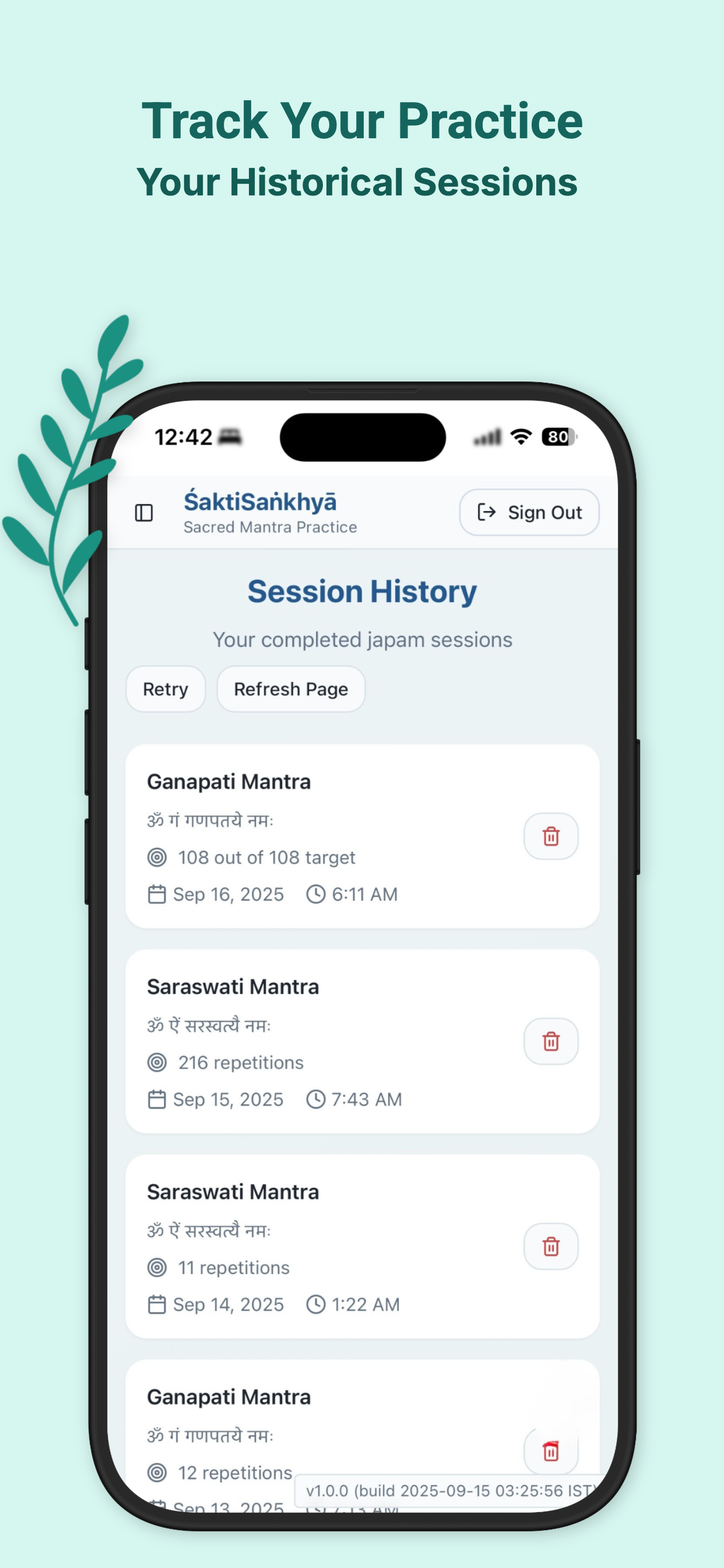
The History page shows all your past meditation sessions in a timeline. It’s like a journal of your spiritual practice! To find it, look for a clock icon or a button labeled ‘History’ in your menu (usually at the top or side of the screen). On this page, you can see when you meditated, how many mantras you completed, and track your progress over time. It’s motivating to see how far you’ve come!
What is a ‘Gurukul’ and should I join one?
A Gurukul is like a spiritual study group or community within the app. It’s a way to connect with others who practice with the same teacher or tradition. Joining a Gurukul is completely optional - you can use the app perfectly well on your own! If your meditation teacher has a Gurukul, they’ll give you a code or link to join. Otherwise, just focus on your personal practice. The app works great either way!
What is the Leaderboard? Do I have to participate?
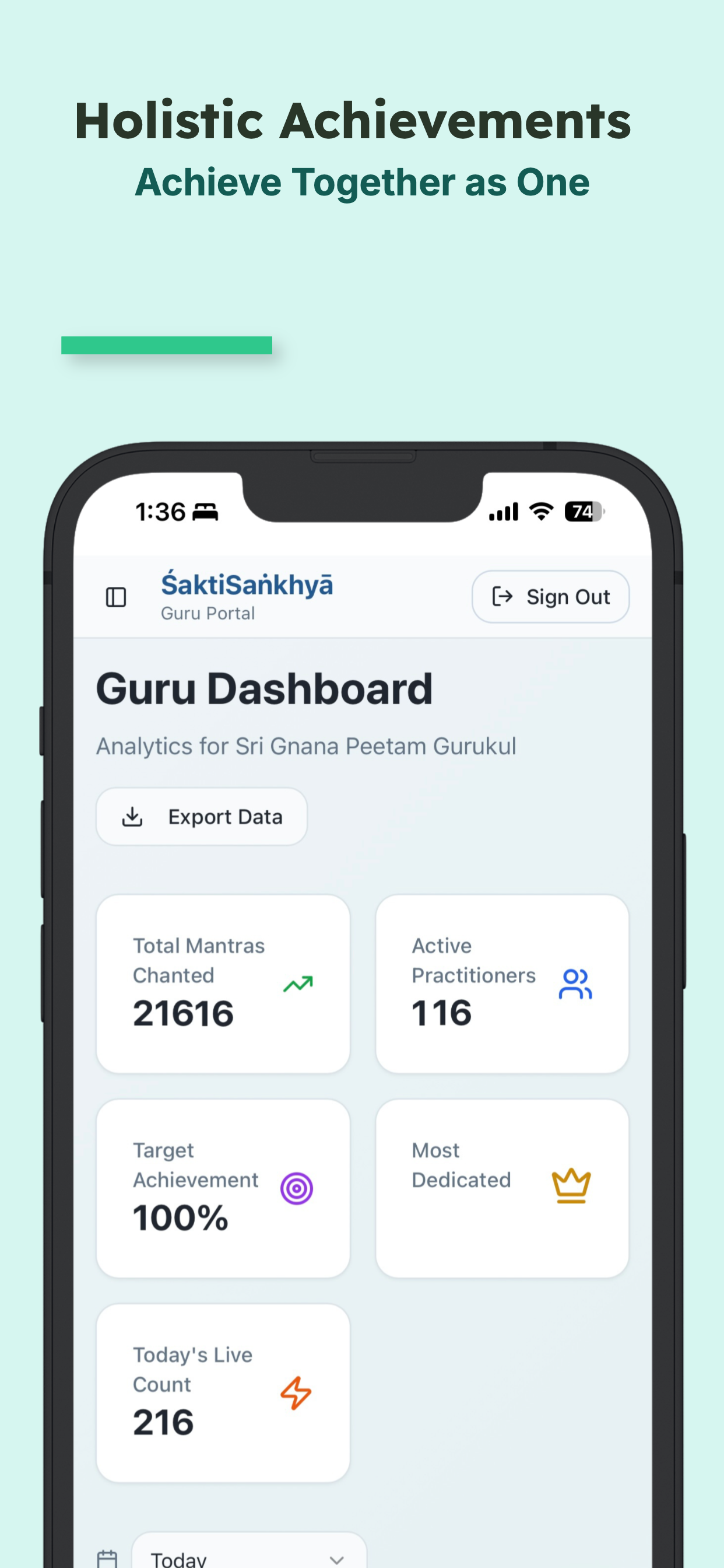
The Leaderboard shows how active practitioners are in their meditation practice. It’s meant to be inspiring and motivating, not competitive! Participation is completely optional - you can turn it off in your settings if you prefer to practice privately. Some people find it encouraging to see others’ dedication, while others prefer to keep their practice personal. Both approaches are perfectly fine. Choose what feels right for you! 🙏
Where can I find my settings and profile?
Your settings and profile are in the menu! Look for a gear icon (⚙️) or a button labeled ‘Settings’ or ‘Profile’. This is usually found in the sidebar menu or at the top of the screen. In your profile, you can update your name, adjust privacy settings, and customize how the app works for you. Take some time to explore - you might find helpful features you didn’t know about!
What is Daily Log and how is it different from a single session?
Daily Log lets you record several mantras from one sitting instead of one at a time. Pick a mantra, set how many repetitions (or malas) and how many minutes you spent, then tap ‘Add to today’ — you can keep adding as many mantras as you practiced before saving them all together. It even works out the start and end time for each one automatically, counting backward from the time you finished. Look for ‘Daily Log’ (📓) in your menu! 🙏
What are Favourites, and why does Daily Log only show some of my mantras?
Favourites are the mantras you actually practice, out of everything available in your gurukul — so if your gurukul offers 100 mantras but you regularly do 10, only those 10 need to show up in Daily Log. Each favourite also remembers your typical count and duration, so picking it fills those in for you automatically. Manage your favourites from the ‘Favorites’ page (♥).
What is Copy Days and how do I use it?
Copy Days lets you take all the practice sessions from one day and replicate them across multiple days at once. It’s perfect if you want to repeat a productive day’s practice or plan ahead.
Here’s how to use it:
1. Go to ‘Copy to Multiple Days’ from the menu (look for the copy icon 📅)
2. Pick the source day — the day whose sessions you want to copy
3. Select the date range — choose the dates where you want these sessions to appear
4. Choose time preservation — keep the original times or set all to current time
5. Preview how many sessions will be created
6. Confirm and copy
For example: if you did 5 sessions on Monday and want to repeat that same practice every day for the next week, Copy Days does it in seconds instead of manually adding them each time. You can even customize the time for each copied session if needed. 🙏
Accessibility & Help
Can I make the text bigger or easier to read?
Yes! Most phones and devices have built-in accessibility settings that can make text larger. On iPhone, go to Settings > Display & Brightness > Text Size. On Android, go to Settings > Display > Font Size. The app will respect these settings and make everything easier to read. You can also use your device’s zoom features if needed. We want everyone to be able to use this app comfortably!
I forgot to log my practice yesterday - can I add it now?
Absolutely! Go to the ‘History’ page and look for an ‘Add Session’ or ‘+’ button. You can manually enter the session details including the date and time from yesterday. The app understands that life gets busy - it’s perfectly fine to log sessions after the fact. What matters is that you’re maintaining your practice and keeping track of your spiritual journey!
The app closed while I was meditating - is my count lost?
Don’t worry! The app tries to save your progress automatically. When you open the app again, your count might still be there. If it’s not, take a deep breath - your actual meditation practice still happened and was valuable. You can manually add the session by going to History and adding a new entry with the count you remember. The spiritual benefit of your practice is what truly matters! 🙏
Can I switch the app to Telugu, or back to English?
Yes! Look for the language icon near the top of the screen (it shows the current language, like ‘E’ for English). Tap it to switch between English and Telugu. The whole app — including Daily Log and Favorites — works in both languages.
Does the app support dark mode?
Yes! Look for the moon/sun icon near the top of the screen and tap it to switch between light and dark. Your choice is remembered the next time you open the app. 🌙
Safety & Support
Is my meditation data private and safe?
Yes! Your practice data is private and stored securely. Only you can see your personal meditation history and counts (unless you choose to join a Gurukul where teachers can see their students’ progress - but this is optional and clearly indicated). We take your privacy seriously. Your spiritual practice is personal, and we respect that. The app uses industry-standard security to protect your information.
How do I get help or report a problem?
We’re here to help! Look for a ‘Feedback’ or ‘Help’ button in the app menu (usually in the sidebar or settings). You can send us a message describing your issue, and we’ll do our best to help you quickly. Be as specific as possible - tell us what happened, what you expected, and what screen you were on. Screenshots can be helpful too! Don’t hesitate to reach out - there are no silly questions, and we want you to have a smooth, peaceful experience. 💙
Sadhana/Practice Guidance
How should I practice Pranayama with my mantra?
Pranayama improves the quality and depth of your mantra japa. Practice gentle deep breathing before you start, or synchronize breath with mantra repetition. This helps calm the mind and brings greater focus to the sadhana.
Start with simple breathing: Breathe in deeply through your nose, hold for a moment, then breathe out slowly. After a few breaths, you’ll feel more centered and ready to begin your mantra practice. Some practitioners like to sync one mantra repetition with each breath cycle.
What is the importance of using a japa maala?
Japa maala helps count repetitions and maintain focus during chanting. Some mantras work best with specific types of beads (e.g., rudraksha, tulsi, crystal) for faster siddhi.
Think of the mala as a physical tool that keeps your hands busy and your mind focused. Each bead you touch is like a small checkpoint in your meditation journey. If you don’t have a physical mala, this app serves the same purpose digitally! Consult your Guru for the optimal maala for your specific practice.
Are there special asanas for mantra sadhana?
Yes. Specific asanas like Koorma, Tantra, or Yantra asana provide stability and energy flow for sadhana. Sitting on a comfortable, dedicated seat enhances concentration and spiritual results.
For beginners: Simply sit in a comfortable cross-legged position on a cushion or mat. The most important thing is that your spine is straight and you can sit without discomfort for your practice duration. Advanced practitioners may use specific traditional postures, but comfort and consistency matter most when starting out.
What is a Darbha asana and why is it important for men?
A Darbha grass mat or traditional asana insulates from external energies and grounds the practitioner. It’s considered especially purifying and protective for mantra japa.
Darbha (also called Kusha grass) is a sacred grass used in Vedic rituals. While traditional, it’s not essential for beginners. If you have one, wonderful! If not, any clean, dedicated mat or seat works fine. The key is having a consistent, clean space for your practice.
How do I do Achamana the right way?
Achamana is a purificatory ritual done before mantra chanting. Use clean water, recite the prescribed mantras, and sip water as guided in scriptures or by your Guru to cleanse internally before starting sadhana.
For beginners: A simple version is to take a small sip of clean water before starting your practice, with the intention of purifying yourself. As you progress in your practice, your Guru can teach you the complete traditional method with specific mantras.
What are Anga Nyasa and Kara Nyasa, and why are they important?
These are preparatory rituals to purify and energize the hands and body before mantra recitation. Performing them with attention helps channel energy to make the mantra more potent.
Think of these as warm-up exercises for your spiritual practice - just like stretching before physical exercise! Anga Nyasa involves touching different parts of your body while reciting mantras, and Kara Nyasa focuses on the hands and fingers. Your Guru can teach you these step by step when you’re ready. For now, simple hand washing and a moment of mindful preparation works well.
What is the best way to chant a mantra—should I read, visualize, or focus on an image?
You may write the mantra on paper and read it, keep a sacred image (like a deity photo), or visualize your Guru and chant. All are effective; choose the method that uplifts your devotion and concentration.
Different methods work for different people:
• Reading: Helps if you’re new and still learning the mantra
• Visualization: Powerful once you’re familiar with the practice
• Gazing at an image: Helpful for focusing a wandering mind
• Eyes closed, internal focus: Advanced practice
Try different approaches and see what helps you feel most connected!
Will seeing my Guru or a sacred image during chanting change the result?
Yes, focusing on your Guru or a sacred image can strengthen your connection and make the chanting more powerful, as the mind is less likely to wander.
Having a visual focus point acts like an anchor for your mind. Just as a lighthouse guides ships, a sacred image or photo of your Guru helps guide your wandering thoughts back to the practice. Many practitioners find this especially helpful when starting out or when the mind is particularly restless.
How do I set up my personal sadhana space for best results?
Keep your area clean, quiet, and dedicated to spiritual practice. Use a regular asana (mat or seat), light a lamp, and keep your japa maala and scriptures close by.
Simple setup guide:
1. Choose a quiet corner in your home
2. Keep it clean and uncluttered
3. Have a small table or shelf for sacred items
4. Use the same spot daily (builds positive energy over time)
5. Optional: Add a small lamp or candle, incense, and sacred images
Even a simple, consistent space is better than an elaborate but inconsistent one!
How often should I perform these rituals—daily, weekly, or just on special occasions?
Daily practice brings steady progress, but even special occasions hold great merit. Follow your Guru’s guidance for frequency and additional rituals on special days.
For beginners: Start with what feels manageable. Even 5-10 minutes daily is better than an hour once a week. Consistency builds the habit and deepens your practice over time.
Special occasions (like festivals or auspicious days) are wonderful times to do extended practice, but don’t let them be the only times you practice. Think of daily practice as nourishing regular meals, and special occasions as celebration feasts - you need both! 🙏

 Access on the Web